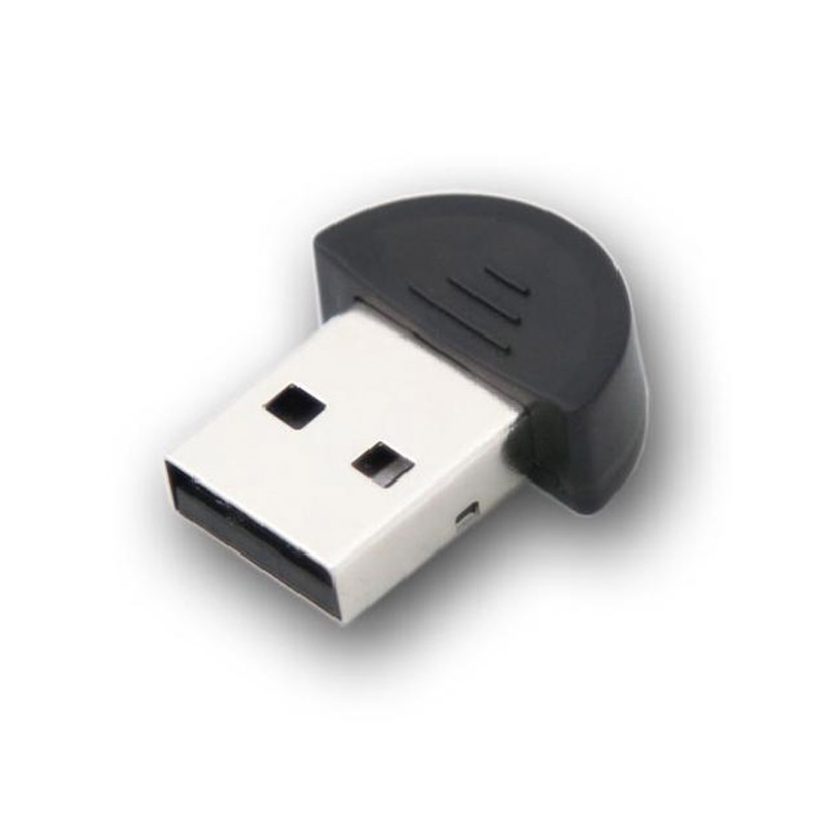
8Ports VGA KVM Switch
מתג KVM VGA
- מתג בעל 8 פורטים
- רזולוציה עד 1920×1200@60Hz
- עשוי מתכת בצבע שחור
- מבית גולד-טאץ’


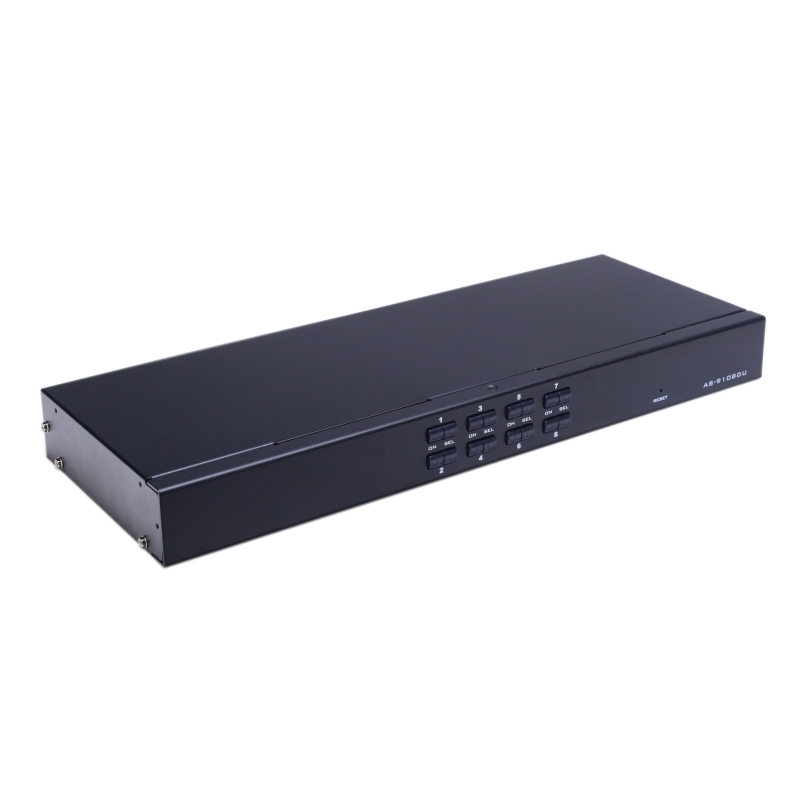
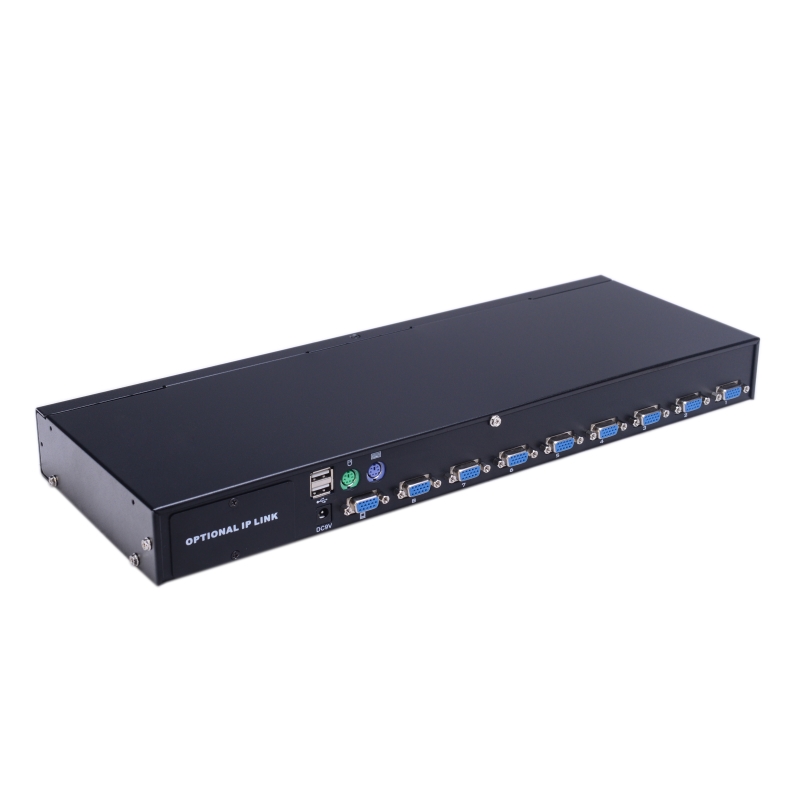
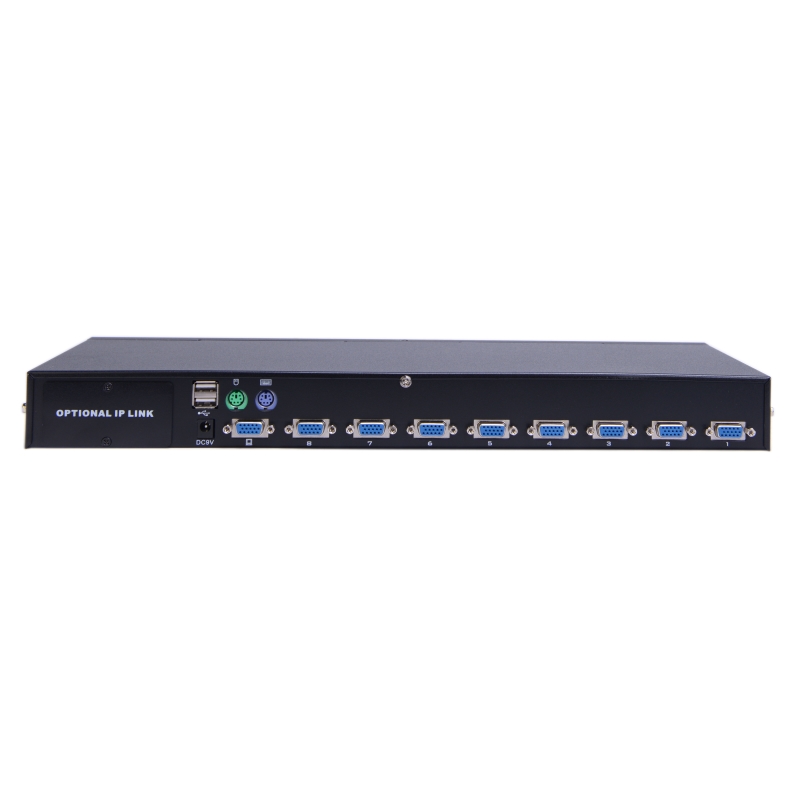
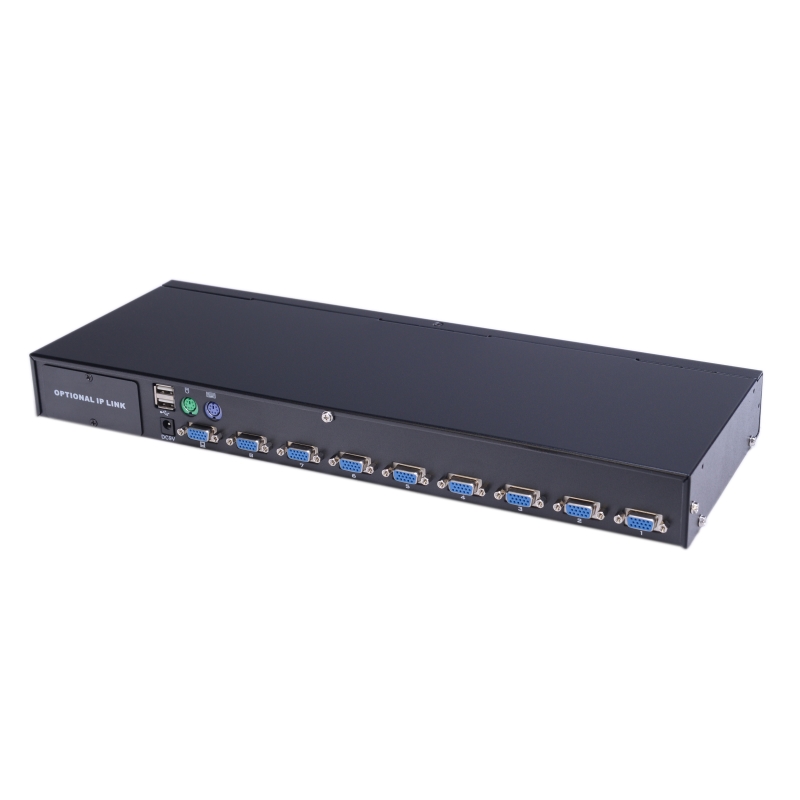


תיאור המוצר
מתג KVM עם חיבור VGA ו־8 פורטים מאפשר שליטה נוחה על עד שמונה
מחשבים מעמדת עבודה אחת. המוצר תומך במקלדת ובעכבר מסוג USB או PS/2, עם
מעבר בין מחשבים באמצעות לחצנים קדמיים או תפריט OSD. כולל תצוגת LED לניטור
סטטוס, מצב סריקה אוטומטי והתקנה פשוטה ללא צורך בתוכנה. תומך ברזולוציה של
עד 1920×1200@60Hz ובמגוון מערכות הפעלה.
8Ports VGA KVM Switch (With Cables)
Description:
The USB / PS/2 KVM (Keyboard, Video, Mouse) Switches are control units that allow access
and control of up to 8 computers from a single USB / PS/2 keyboard, USB / PS/2 mouse, and
monitor console.
Features
- One console controls 8 computers
- Be compatible with USB / PS/2 keyboard and mouse in console and PS/2, USB keyboard
and mouse in computer. - Computer selection via front panel switches and OSD
- LEDs display for easy status monitoring
- Auto Scan Mode for monitoring all computers
- Superior video quality
- Easy installation – no software required
- Hot pluggable – add or remove computers for maintenance without powering down the switch
- Support cross-platform operation – Windows, Linux, Mac * and Sun *
- Supports resolutions up to 1920 x 1200 @ 60HZ
Specifications:
|
Function |
8 port |
||
|
Model |
KVM-VGA-8 |
||
|
Computer Connections |
Direct |
8 |
|
|
Cascade(Max) |
128 |
||
|
CPU Port Selection |
OSD Menu, Front Panel Hot-Key, Hot-key, Remote Control IP (Optional) |
||
|
Connector |
Console Connectors |
Video |
1 x VGA DB15 Female Blue |
|
Keyboard |
1 x USB Type A Female, 1 x PS2 Female (Purple) |
||
|
Mouse |
1 x USB Type A Female, 1 x PS2 Female (Green) |
||
|
Computer Connectors |
Video/Keyboard/Mouse |
8 x VGA DB15 Female (Blue) |
|
|
Power |
1 x DC |
||
|
IP Module Network Interface |
1 x RJ45 |
||
|
Key Switch |
Connection Port Selection |
8 x Button |
|
|
KVM Reset |
1 x Semi-embedded keys |
||
|
IP Module Reset |
1 x Semi-embedded keys |
||
|
IP Module Default |
1 x Semi-embedded keys |
||
|
LEDs |
Computer Selection Port |
8 x Green |
|
|
On Line |
8 x Red |
||
|
IP Module Network Interface |
1 x Green, 1 x Orange |
||
|
Analog Mode |
Keyboard, Mouse |
USB, PS2 |
|
|
Video resolution (Max) |
1920 x 1200 @ 60HZ Local & Remote |
||
|
Scan time interval |
3, 5, 10, 15, 20, 30, 40, 60s (3s by default) |
||
|
Operating Environment |
Operating temperature |
-10˚C~50˚C |
|
|
Storage temperature |
-20˚C~60˚C |
||
|
Humidity |
0-80%RH, No Condensation |
||
|
Physical Properties |
Housing |
Metal |
|
|
Size |
432 x 155 x 44 mm |
||
|
Weight |
1.82KG |
||
מוצר נוסף בסדרה:
מידע
| מחבר | RJ-45, USB, VGA |
| רזולוציה | עד 1920×1200@60Hz |
| מידות מוצר | 432 × 155 × 44 מ״מ |
| משקל המוצר | 1.82 ק"ג |
| חומר | Metal |
| יצרן / מותג | Gold Touch |
התקנה ומדריכים
הנחיית תפעול קבועה וחשובה למתג KVM VGA
כדי להבטיח עבודה רציפה ולמנוע תקיעות, קפיאות או חוסר זיהוי של העכבר, המקלדת והמסך – כל חיבור, ניתוק או
שינוי של כבלים ב-KVM חייב להתבצע אך ורק כשהמחשבים כבויים.
כללי עבודה נכונה בכל הפעלה מחדש או שינוי חיבורים:
לפני החיבור: ודאו שכל המחשבים כבויים לחלוטין.
בזמן החיבור: חברו את כל הכבלים למקומם ב-KVM ובמחשבים.
לאחר החיבור: רק כעת ניתן להדליק את המחשבים לעבודה תקינה.
שימו לב: חיבור או ניתוק כבלים בזמן שהמחשב עובד ישבש את זיהוי המכשירים וידרוש הפעלה מחדש של המחשב.