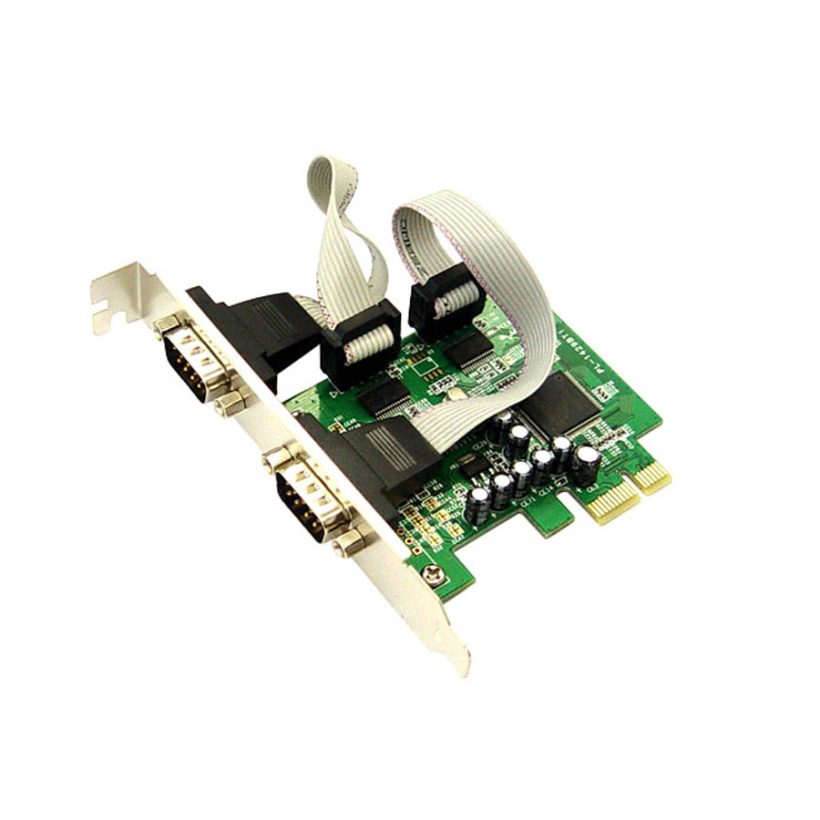
PCIe Card 2xRS232 & 1xParallel
כרטיס PCIe
- כרטיס בעל שני חיבורי RS232 וחיבור מקבילי אחד
- קצב העברת נתונים סריאלי מגיע עד 230400bps
- קצב העברת נתונים מקבילי עד 1.5Mbps
- מבית גולד טאץ


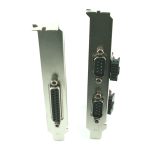
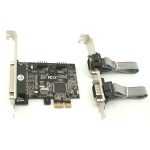

תיאור המוצר
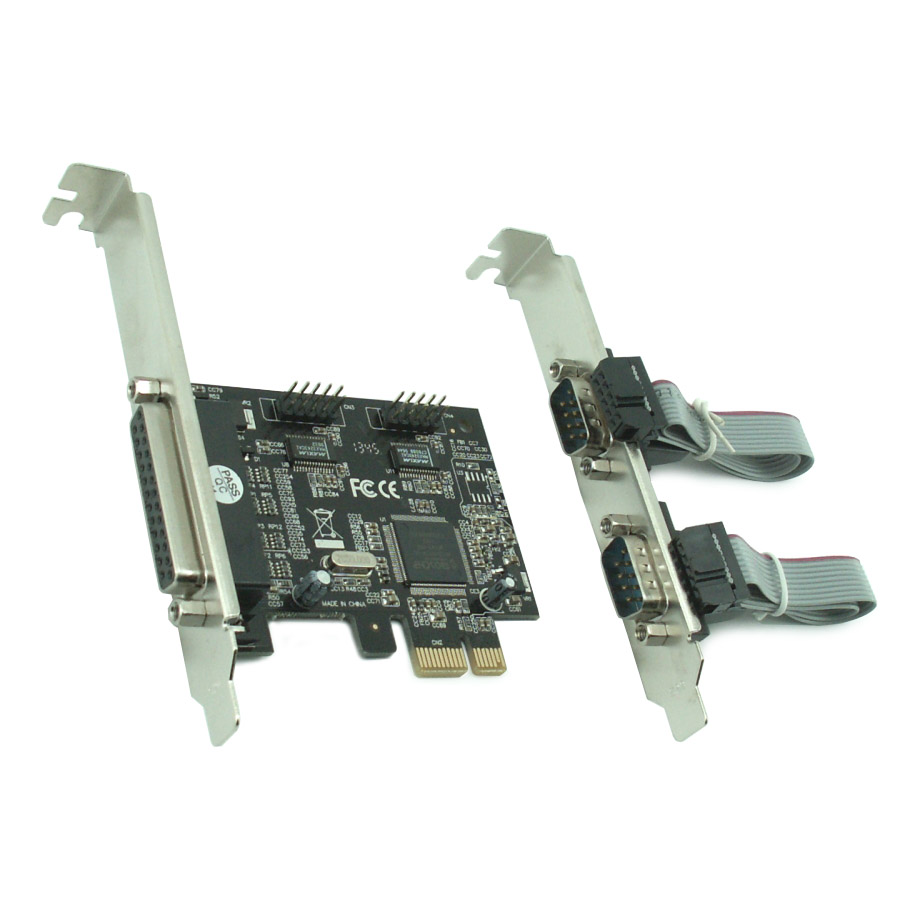
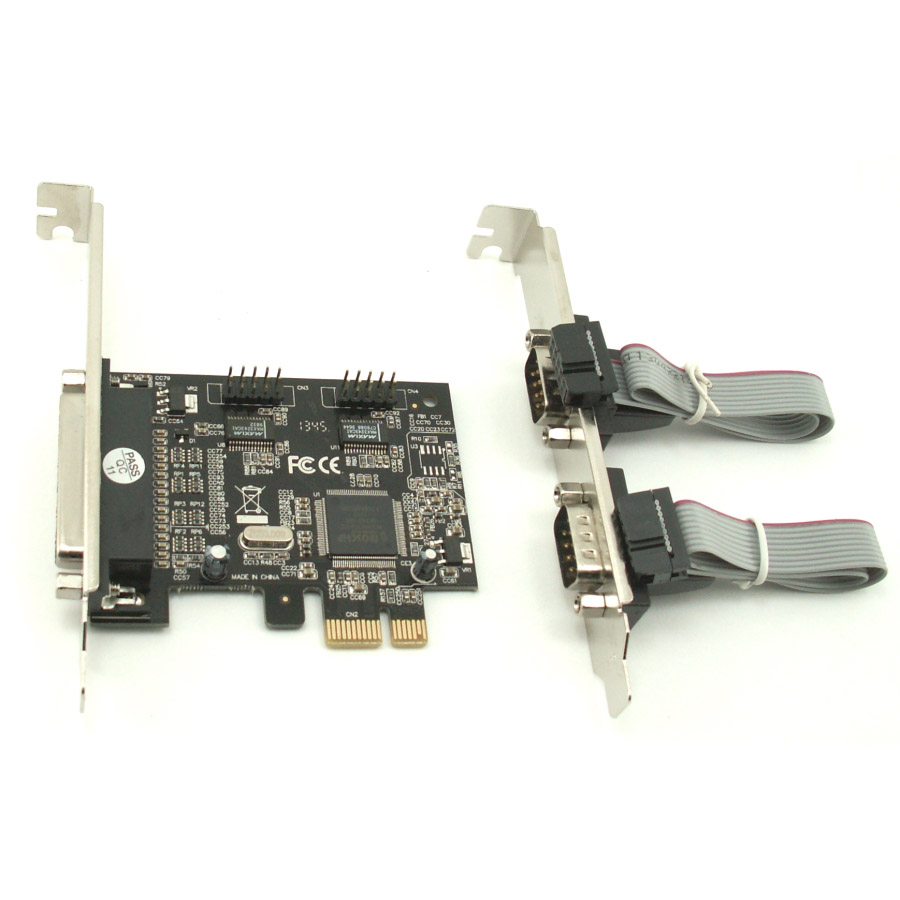
כרטיס PCIe עם שני חיבורי RS232 וחיבור מקבילי אחד, תואם לתקן PCI Express 1.0a
ומתחבר דרך חריץ x1. המוצר תומך בשני חיבורי UART סריאליים עם תאימות ל־16C450/550
וזיכרון FIFO של 256 בתים לכל ערוץ. קצב העברת נתונים סריאלי מגיע עד 230400bps. כולל
תמיכה במצבי SPP, EPP ו-ECP לחיבור מקבילי. קצב העברת נתונים מקבילי עד 1.5Mbps
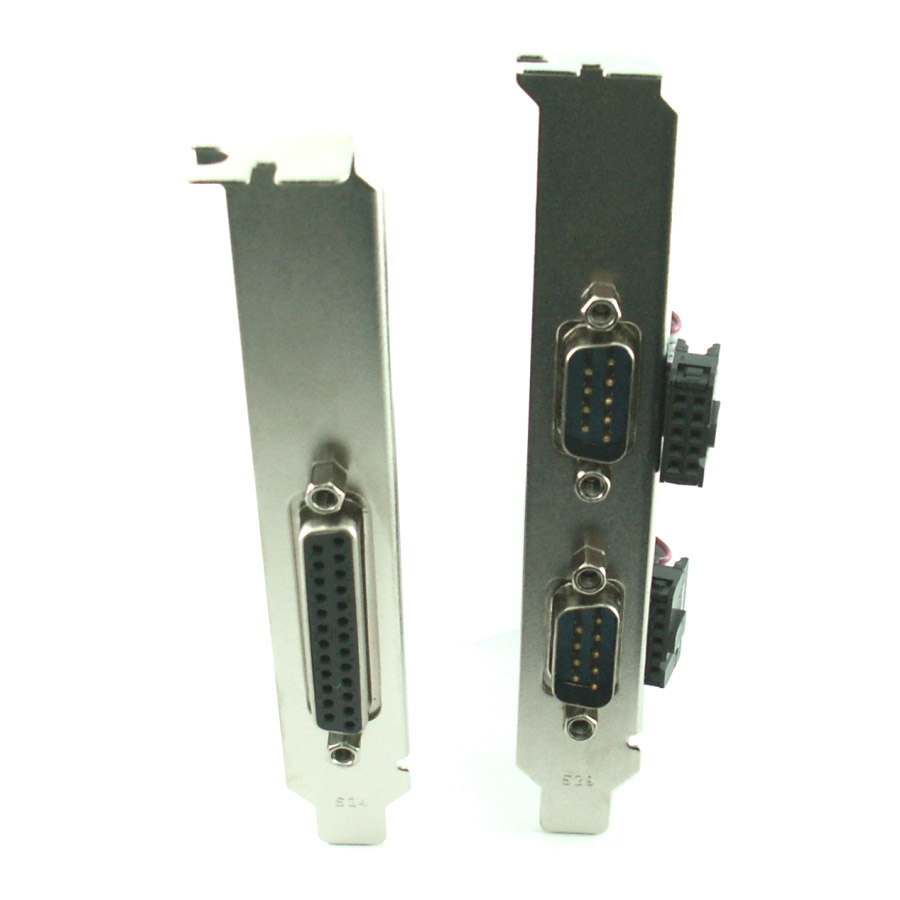
עם חיבורי DB9 ו-DB25 תואמים.
GOLD TOUCH PCIe Card 2xRS232 & 1xParallel
Features and Benefits
- Features Compliant with PCI Express Base Specification 1.0a
- Supports 2 x UART serial port
- Built-in 16C450/550 compatible UART
- On chip 256 byte FIFOs in transmit and receive path of each serial port
- Serial data transfer rate up to 230400bps
- Supports Standard Parallel Port (SPP), Enhanced
- Parallel (EPP) & Enhanced Capability Port (ECP)
- Parallel data transfer rate up to 1.5Mbps
- Bus PCI-Express x1
- Connectors 2 x DB9 male serial connectors
- 1 x DB25 female parallel connector
System Requirements
- Windows® 2000 / 2003 / XP/ 32/64 bit, Vista 32/64 bit, Win 7&8 32bit/64bit
- One available PCI Express slot
Package Contents
- 1 x PCIe 2S1P Card
- 1 x DB25 parallel port cable
- 1 x Driver CD
- 1 x User’s Manual
מידע
| מחבר | Parallel, RS232 |
| העברת נתונים | סריאלי: עד 230400bps, מקבילי: עד 1.5Mbps |
| יצרן / מותג | Gold Touch |
התקנה ומדריכים
Hardware Installation
1. Turn Off the power to your computer
2. Unplug the power cord and remove your computer’s cover
3. Remove the slot bracket from an available PCIe slot
4. To install the card, carefully align the card’s bus connector with the selected PCIe
slot on the motherboard. Push the board down firmly
5. Replace the slot bracket’s holding screw to secure the card
6. Replace the computer cover and reconnect the power cord